
01
Plan wording and composition
Specify the headline, body copy and whitespace alongside the subject and lighting. Check spelling, numbers and line breaks in the result.
 HiDream
Create posters, characters and product visuals from prompts and references, then refine them in the same workspace.
上にアイデアを入力して制作を始めましょう。
The official HiDream-O1-Image project uses a pixel-level unified Transformer for text-to-image, instruction editing, subject personalization and storyboards. It offers Full and Dev variants and output up to 2,048 × 2,048.
Read the source documentation ↗Specify the headline, body copy and whitespace alongside the subject and lighting. Check spelling, numbers and line breaks in the result.

Upload subject references and separate appearance details to preserve from scene changes for the next edit.
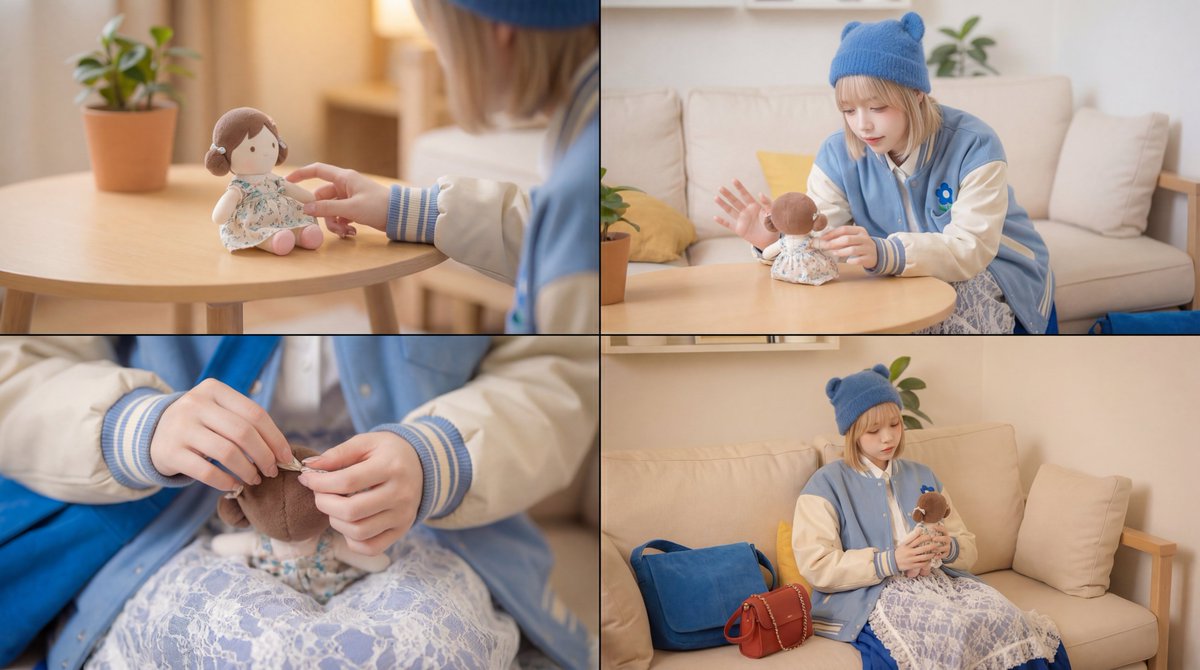
Define the characters, palette and setting before varying viewpoint and action. Reuse references and review each result.
Describe subjects, background, composition and light. Add references to build on an existing image.
Choose the ratio, 1K or 2K resolution and task count, then review the credit estimate before submitting.
Open the result to download the original, favorite it or use it as a reference for the next edit.
Model information, references, credits and managing your work.
The official project combines generation, editing, long-text rendering, subject personalization and storyboards in one architecture, with code and models under the MIT license.
Put exact wording in quotation marks and specify language, position and hierarchy. Proofread the result and use it as a reference for focused corrections.
Choose 1K or 2K output and a square, landscape or portrait ratio. Resolution sets the output size tier; the ratio sets the canvas shape.
Editing accepts JPG, PNG and WebP, up to 20 MB each and 10 references. Use clear originals and describe the role of each image.
The composer shows credits for the selected resolution and task count. Credits are reserved on submission, settled on success and released for failed tasks. Batch tasks are handled separately.
1K costs 6 credits per image and 2K costs 20. Multiply by the task count for the total. Credits are reserved on submission, settled on success and released for failed tasks.
Filter Results by image, video or status, open an item to download the original file, and use the star to favorite it. Sign in to the same account to access your history.
Refresh history before resubmitting. Revisit processing tasks later; for failures, check the prompt, references and settings before retrying. Reopen the result if a download is interrupted.
Start with 1K to review composition and choose 2K when you need more output detail. Batch images are separate tasks; check the total credits before submitting.