Complex instruction understanding
Understand subjects, attributes, counts, spatial relationships, shots, and narrative intent, turning natural-language ideas into structured image and video results.
 HiDream
HiDream is a native omnimodal AI model system for creators. It understands text, images, and video to support AI image generation, image editing, text-to-video, image-to-video, and synchronized audio-visual creation. From product visuals, posters, and portraits to continuous shots and digital scenes, HiDream turns a short brief into a usable visual result.
HiDream is Zhixiang Future’s native omnimodal AI model system. It understands and processes text, images, and video, then transforms them into images, videos, and interactive virtual worlds. HiDream spans image generation, video generation, interactive world models, and embodied intelligence, with representative models including HiDream-O1-Image, HiDream-O1-World, HiDream-O1-Embodied, and HiDream V1. With multimodal intent understanding, physics-grounded modeling, audio-visual synchronization, and visual narrative capabilities, HiDream supports AI image creation, image-to-video, text-to-video, digital scene building, and intelligent content creation.
A connected workflow from intent understanding to image, video, and scene generation.
Understand subjects, attributes, counts, spatial relationships, shots, and narrative intent, turning natural-language ideas into structured image and video results.
Keep people, characters, products, and key visual traits consistent across generations and edits, reducing unwanted changes to identity, clothing, materials, and composition.
Handle lighting, materials, spatial relationships, and physical rules so motion, environmental feedback, and visual depth feel more natural and credible.
Create high-resolution images and 5–20 second 1080p videos with text-to-image, image-to-video, shot planning, and audio-visual synchronization.
Explore photography, portraits, illustration, concept art, product visuals, poster layouts, and cinematic storytelling to find the right visual direction.
Combine text, image, and video references in one connected workflow from intent understanding and content planning to generation for AI images, video, digital scenes, and visual production.
Choosing HiDream means working with a native omnimodal AI model system that spans images, video, interactive worlds, and embodied intelligence. HiDream understands text, images, and video, then follows user intent from content planning through generation. Compared with models focused only on visual output, HiDream provides broader capabilities for complex instruction following, subject consistency, text rendering, physical behavior, shot planning, and audio-visual synchronization. HiDream V1 can also plan video duration around events, action cycles, and narrative rhythm, generating 5–20 second 1080p videos for AI images, image-to-video, text-to-video, digital scene building, and visual content creation.
Creating with HiDream usually takes only a few steps.
Choose HiDream-O1-Image, HiDream V1, or another HiDream model for your goal. Image models create images, while video models support text-to-video and image-to-video.
Enter a text description or upload image and video references. Describe the subject, scene, action, shot, style, sound, and narrative.
Adjust aspect ratio, video duration, resolution, visual style, and other parameters. HiDream V1 supports 5–20 second 1080p videos.
일러스트, 인물, 초현실적인 장면과 영화 같은 이야기를 담은 비주얼 컬렉션에서 HiDream 창작의 영감을 발견하세요.
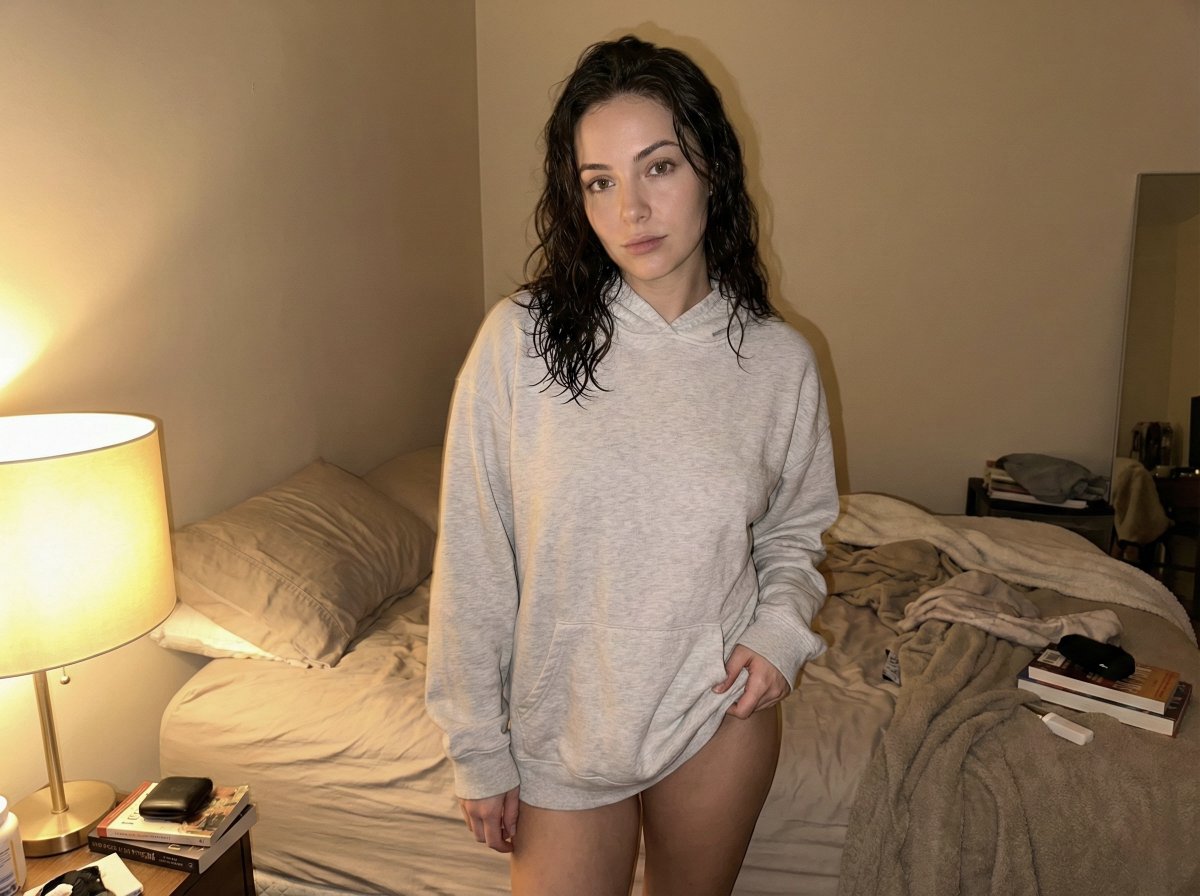
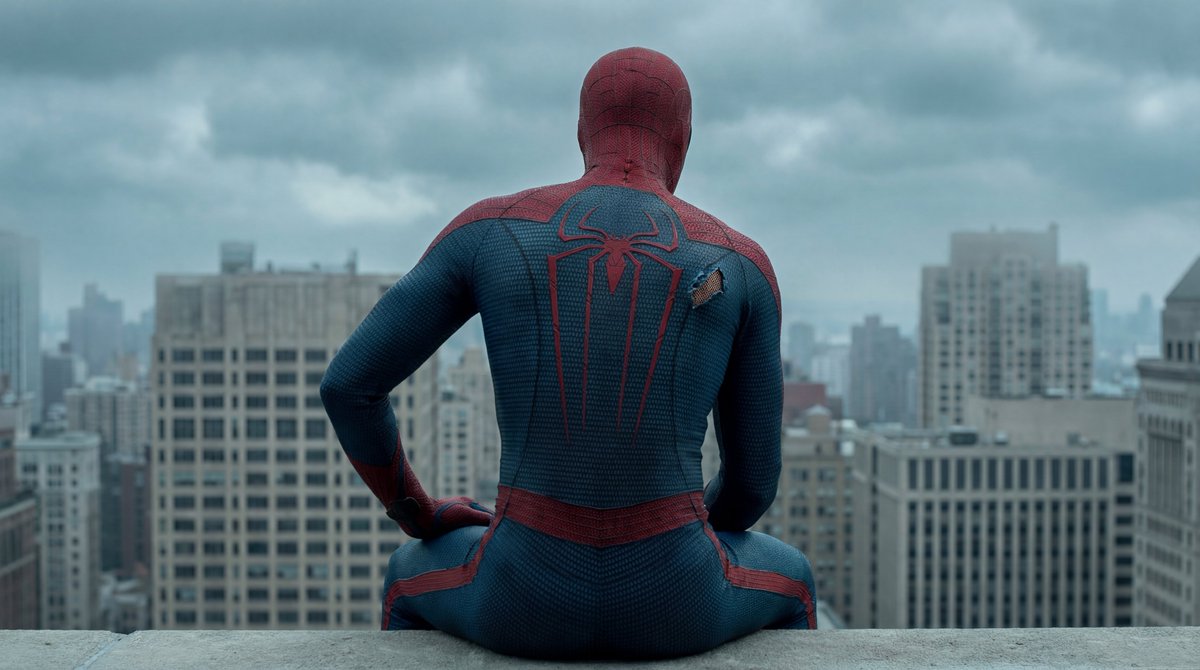
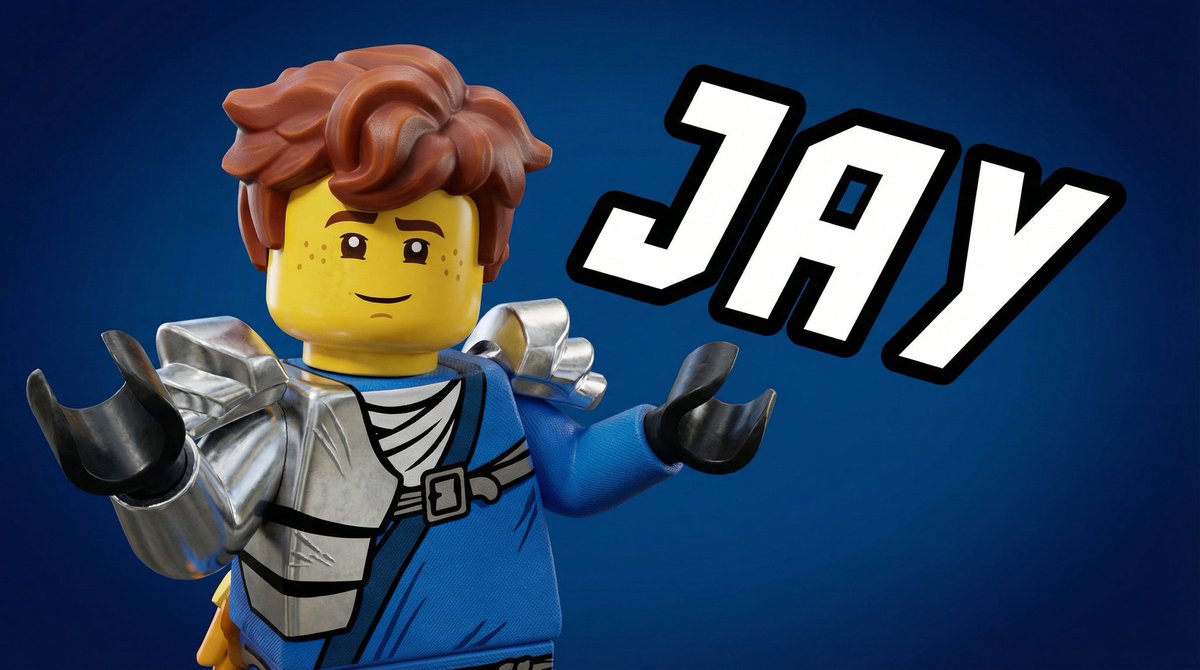
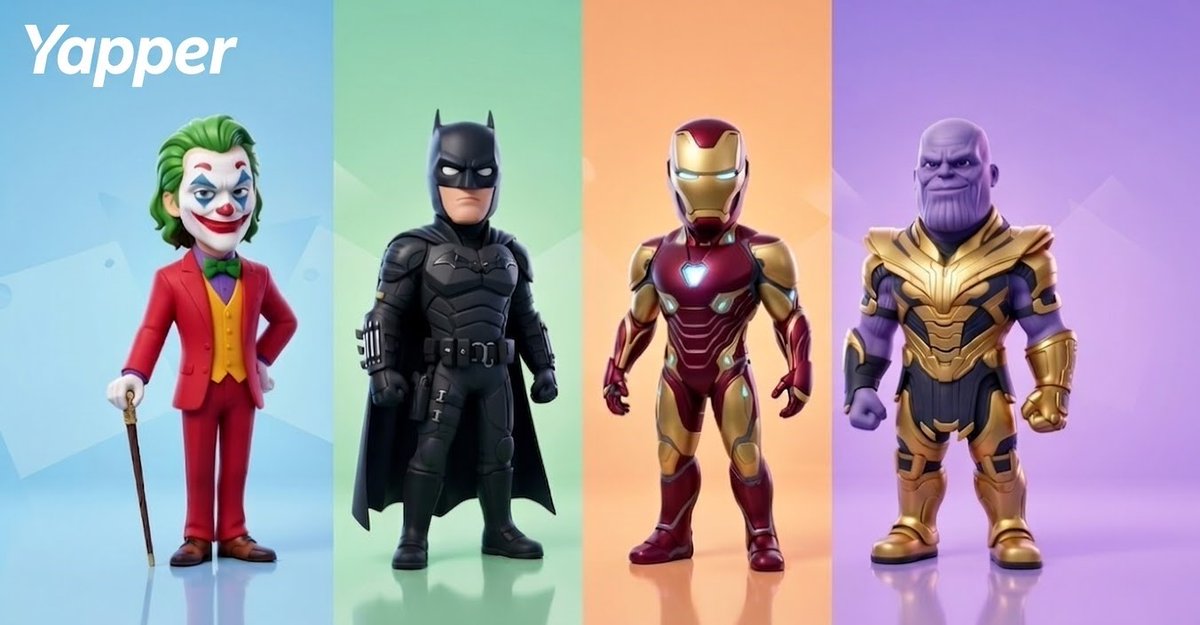
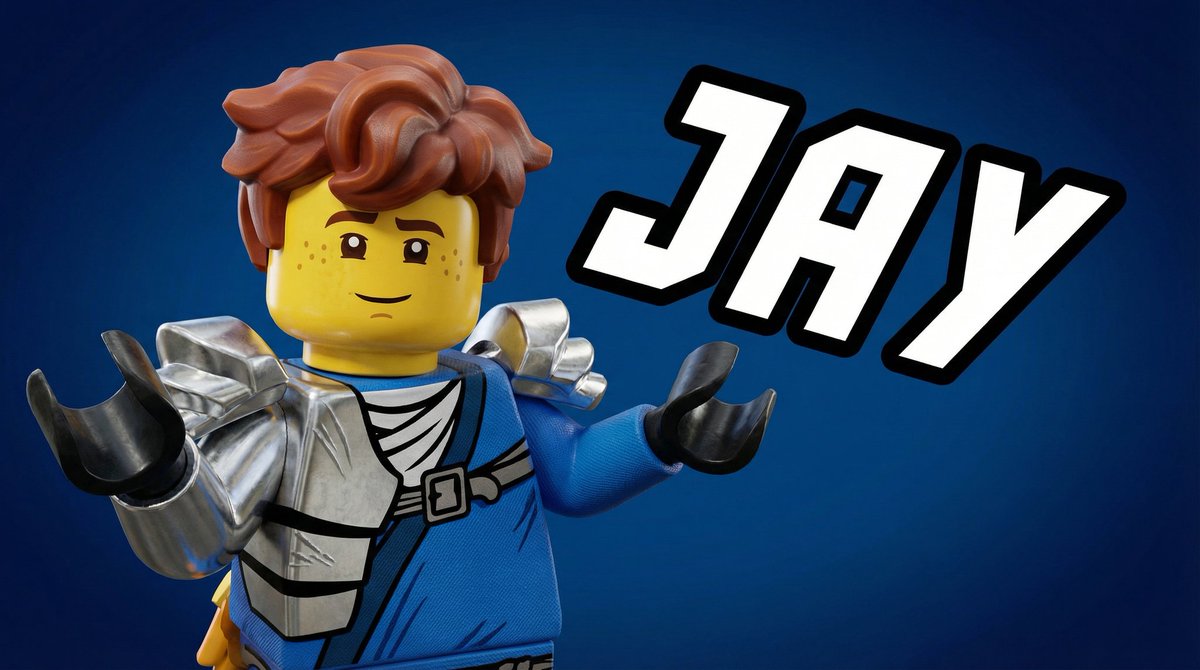
Learn about HiDream capabilities, workflows, and the right model for each creative task.
HiDream is a native omnimodal model system for image generation, image editing, video generation, and interactive worlds. It understands text, images, and video, then creates content from your intent.
For image creation, use HiDream-O1-Image, HiDream-I1, or HiDream-E1. HiDream V1 supports video creation, while HiDream-O1-World supports interactive world creation.
Choose an image model, enter a description or upload a reference, and set options such as aspect ratio and resolution. Refine the prompt or references to iterate on the result.
Yes. HiDream-O1-Image and HiDream-E1 can edit objects, backgrounds, colors, lighting, and overall style with natural-language instructions while preserving important parts of the original image.
HiDream V1 plans videos from 5 to 20 seconds based on events, action cycles, and narrative rhythm, with 1080p visuals and coordinated sound.
HiDream supports posters and product visuals, concept design, advertising, image editing, text-to-video, image-to-video, digital scene building, and visual storytelling.