 HiDream
Product photos
Prepare a subject for a white or branded background. Review edges and small components before exporting.
Click to upload or drop an imageJPG / PNG / WEBP · 5 MB
Credits required:—
Loading prices…
Processed images will appear here
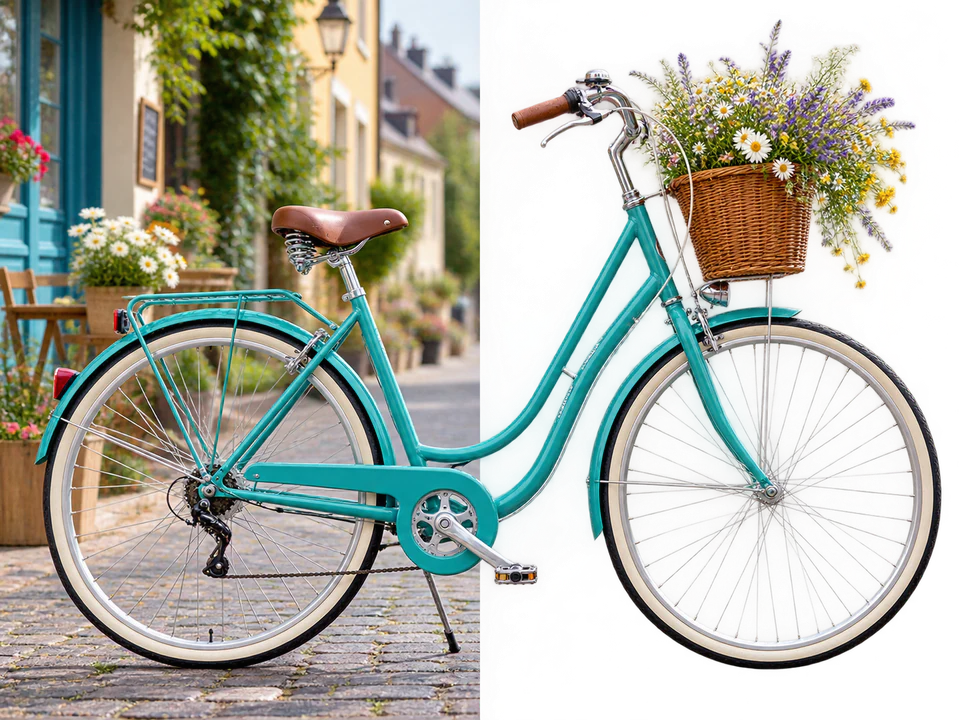
Describe an idea above to get started.
Separate your subject from its surroundings for a new composition. Upload a photo, product image or illustration and prepare a transparent asset for store graphics, social posts and creative layouts.
Prepare a subject for a white or branded background. Review edges and small components before exporting.
Create assets for avatars and posters, checking hair, fur and low-contrast edges closely.
Isolate subjects from existing artwork or AI images for new compositions. Translucent materials depend on the source image.
Choose JPG, PNG or WEBP up to 5 MB, with each dimension between 256 and 4096 pixels and at most 16 million pixels.
Sign in, review the displayed credit cost and submit your image.
Compare with the original and inspect edges and transparent areas before downloading.
Portraits, products, pets, illustrations and AI images with a clear subject. Strong separation from the background helps you assess edges.
The tool returns a transparent image; the download format depends on the task result. Check the format if you need PNG, and avoid JPEG when exporting transparency.
JPG, PNG or WEBP up to 5 MB. Each dimension must be 256–4096 pixels, with no more than 16 million pixels.
Yes. HiDream offers free trial credits. Sign in to view your available credits and check the cost before submitting a task. Once your trial credits are used, you can choose a credit plan.
This tool returns a transparent result. Add a white or branded background later in a design editor.
Results depend on the source. Inspect hair, glass and fine edges; some images may need manual touch-ups.